Train Ticket Cancel and Refund Flow
Train Ticket Cancel and Refund Flow :-
App Flow :-
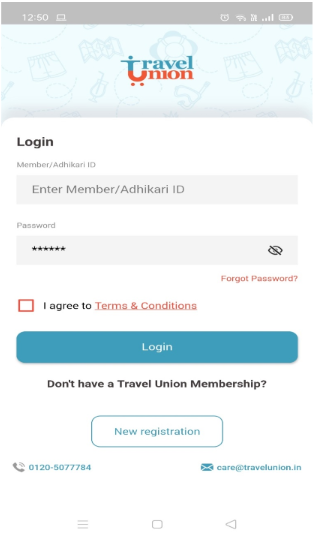
1. Sign in with SM or TU Credentials on Travel Union App/Web
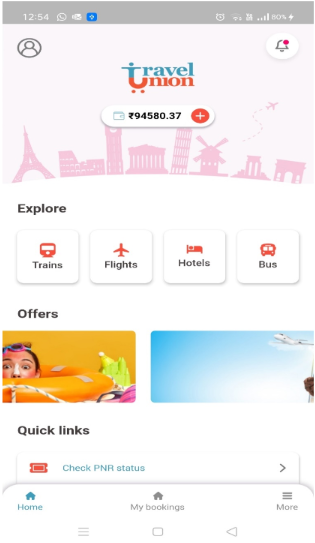
2. Main Screen – Click on Train Tile to proceed
3. Select Cancel Ticket
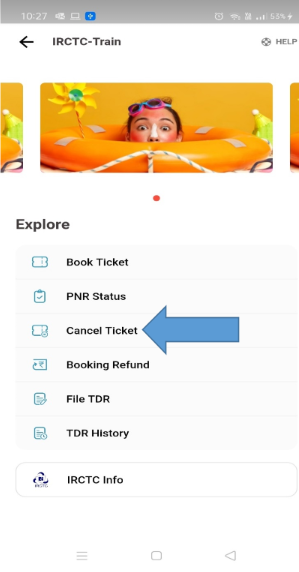
4. Enter PNR Number & click on check
| Enter PNR Number & click on check | Select the passengers who need to be cancelled and Click Submit Cancel Request |
A pop up will ask to confirm again |
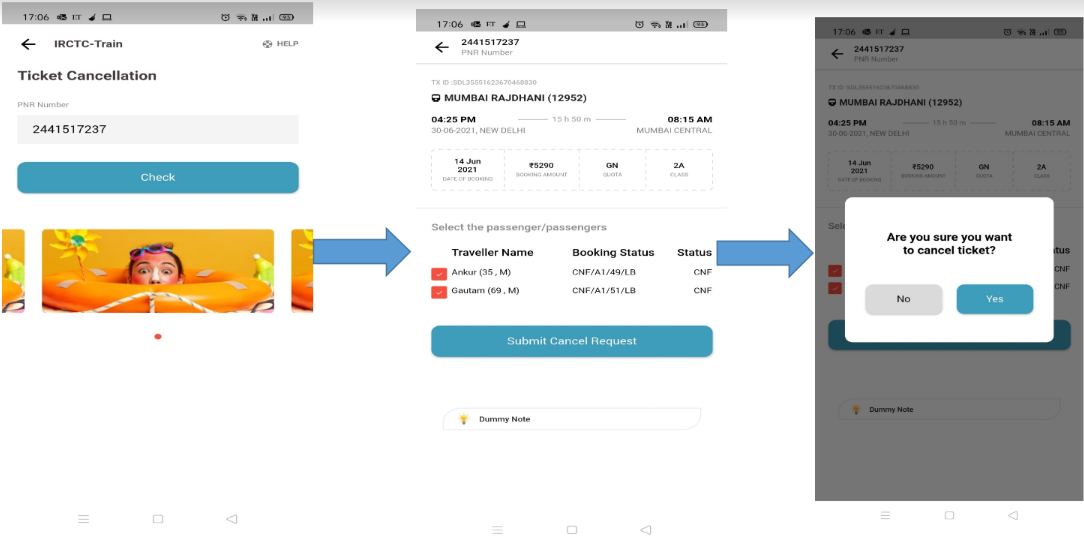
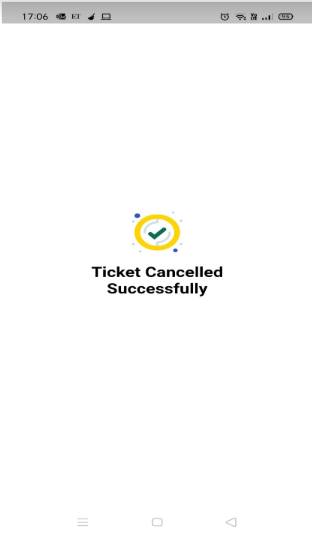
By clicking on Yes , the ticket will be
successfully cancelled
Refund :-
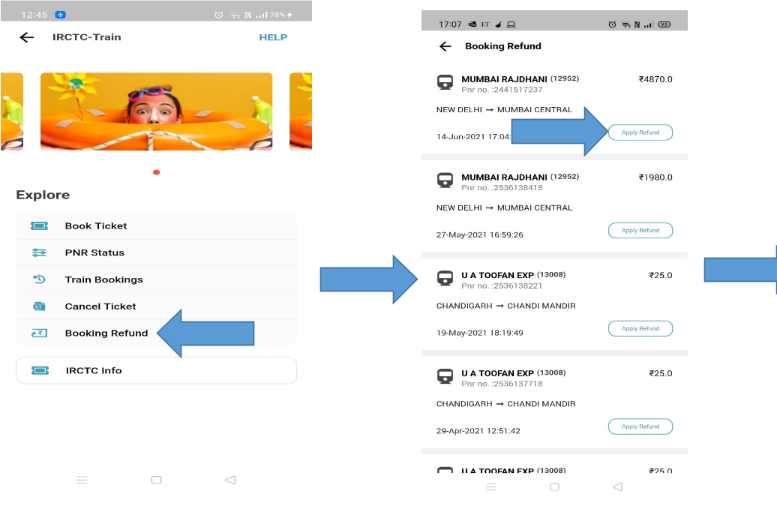
| For Refund – Come back to the IRCTC home page and choose the Booking Refund option |
Select the Booking for which the refund needs to be initiated. |
OTP will be send by IRCTC on the passenger mobile number (Which was added during booking). Enter OTP and proceed for refund. |
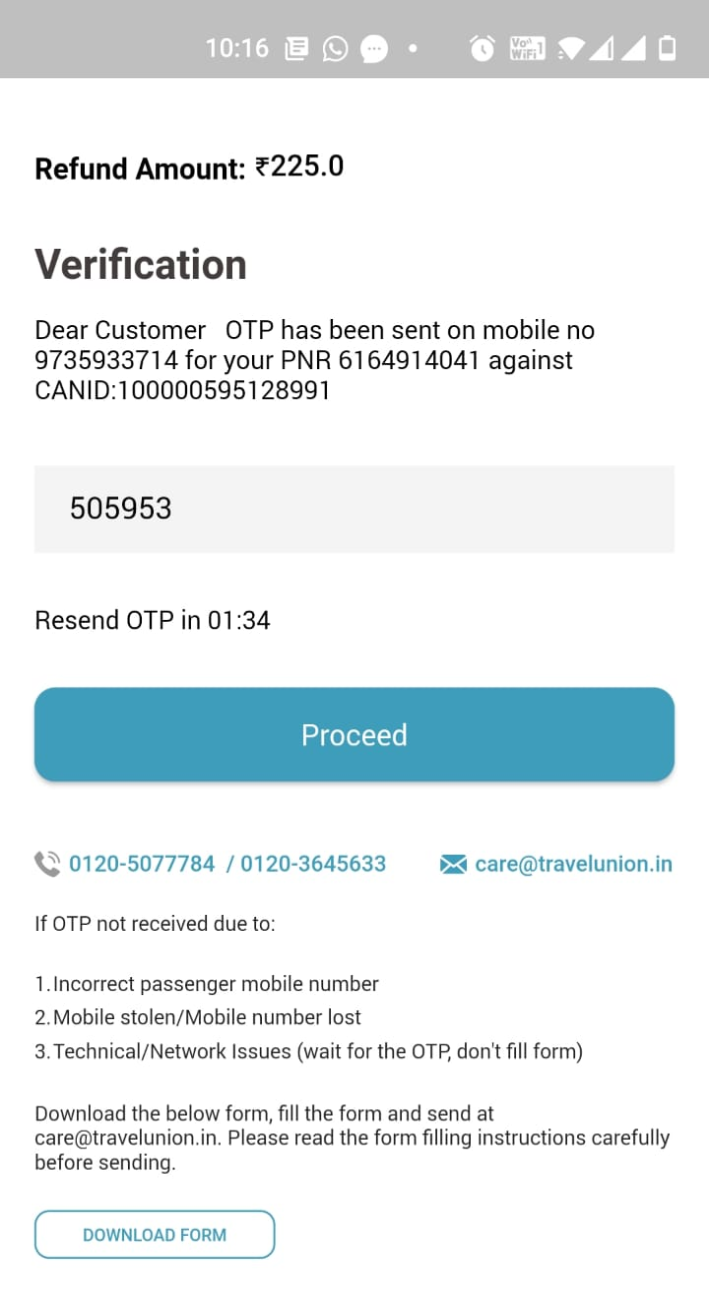
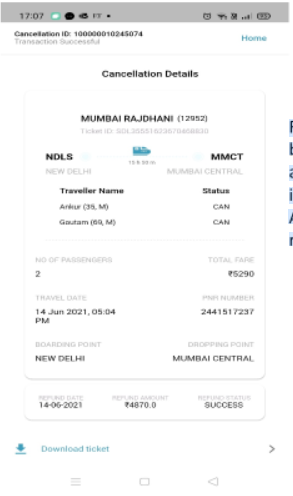
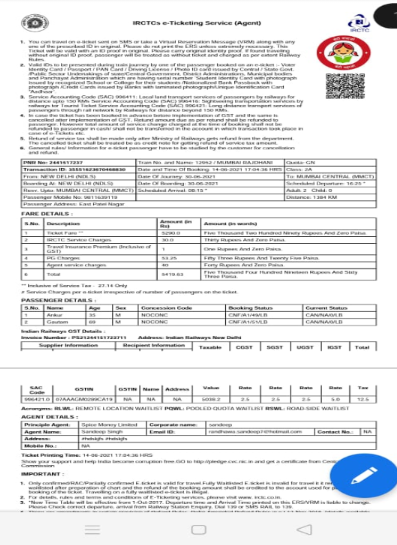
| Refund completed … The below refund amount will be added to your wallet instantly. Also can download the Refund PDF …. |
Status of the passenger is changed to CAN & Refund amount is mentioned. |