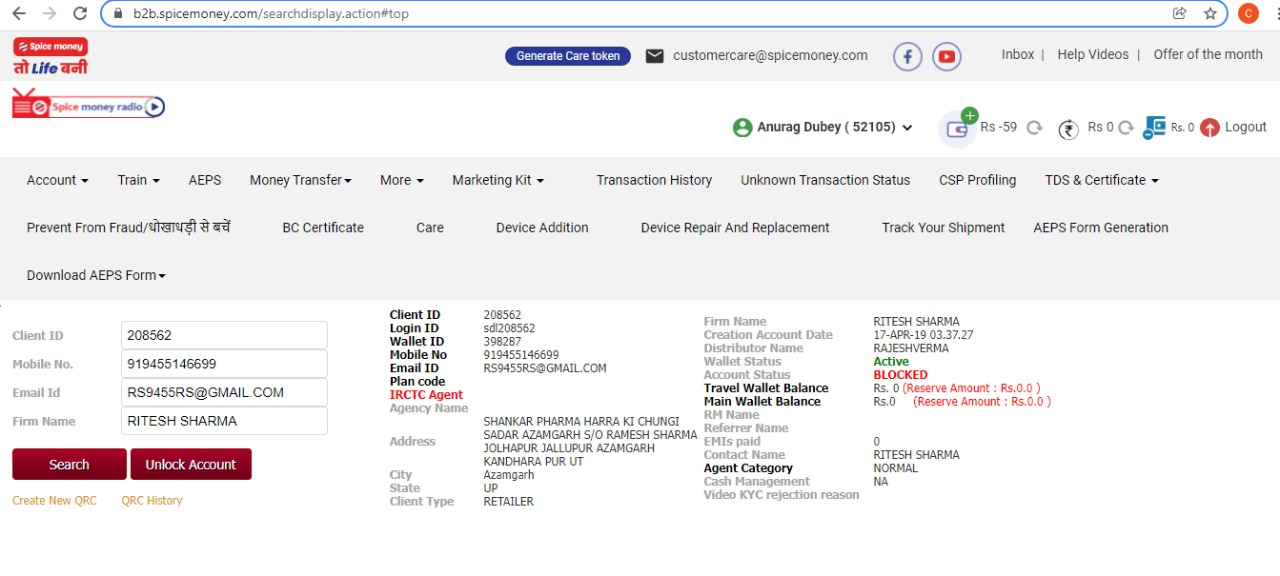
Reason – Jab SMA multiple times apna PIN wrong enter kar deta hai to SMA ki id block ho jaati hai |
Screenshot :
Adhikari Wallet Status – Active, Account Status – Blocked
Procedure :
- Need to reset PIN (Please connect with Supervisor to get OTP)
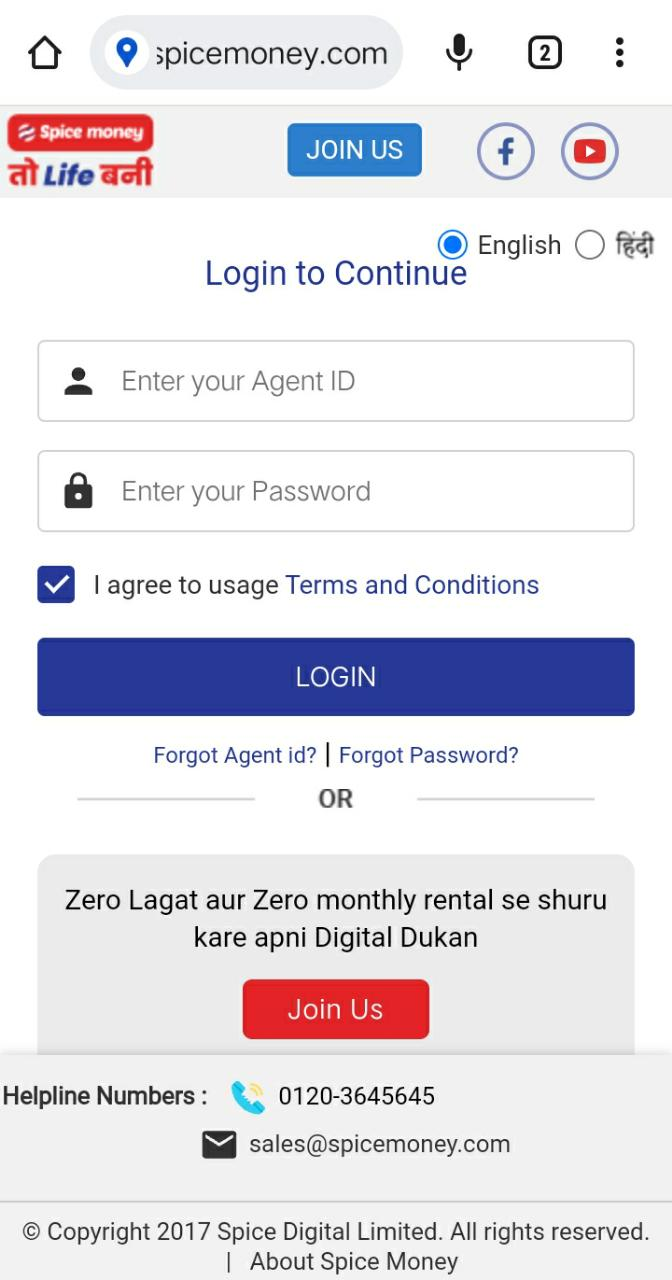
- Ask the SMA to login to www.adhikari.spicemoney.com on his laptop / desktop – This is preferred. If he does not have laptop/desktop then :
- Use the mobile phone, go to chrome, click on 3 dots on up right-hand side and select desktop site in new tab and then select view in desktop and type adhikari.spicemoney.com
Screenshot :

- Now tell the SMA that we are sending OTP on registered number on same time. (OTP will be valid for 30 Mins)
- Please re-confirm the registered mobile number with the SMA. If his registered number is different then ask that number is available or not, if number has lost or not available then guide SMA for number change process. To change the number SMA has to write the mail on customercare@spicemoney.com id and post verification the number will be changed in next 24 to 48hrs then SMA can take OTP on his registered number
- Inform the SMA that when he receives the OTP, put your same login id & instead of PIN please put OTP, after that please change the PIN in 6 digits
Screenshot :

- Please make sure to enter the id with small letters like- ss1234,sdl1234,ts1234 etc.)
****************************************************************************************************************************************************************************************************************************
In login scenario please add below details:-
· All OTP validity is 30 minutes
· Agent has to takes login OTP 5 times in 24hrs, post 5 attempts he will get an error that “OTP limit exceed”
For every login scenario please guide SMA to take OTP carefully else his limits will be exceeded
2) Account locked scenarios
Ø Password reset changes
1.) First 5 consecutive wrong PIN attempts of the day (in App or Web) will lock the agent login account for 30 minutes in both App and Web and will be auto-unlock after 30 minutes.
2.) Second 5 consecutive wrong PIN attempts of the day (in App or Web) will lock the agent login account for 24 hours in both App and Web and will be auto-unlock after 24 hours.
3.) During this lock period, the agent will not be able to forget and reset the PIN.
4.) After the calendar date change, the agent’s counter for consecutive wrong password attempts will be reset.
1. 5 Invalid attempts>>Account lock for 30 minutes>>Auto unlock after 30 minuts
Message displayed:
” Account locked due to 5 consecutive login attempts due to wrong PIN. Your account will be unlocked automatically after 30 minutes ”
2. Another 5 invalid attempts within the same day>>Account lock for 24 hours>>Auto unlock after 24 hours
Message displayed:
“Due to multiple invalid PIN attempts, your account has been locked. Please try again after 24 hours”
Ø PIN change scenario
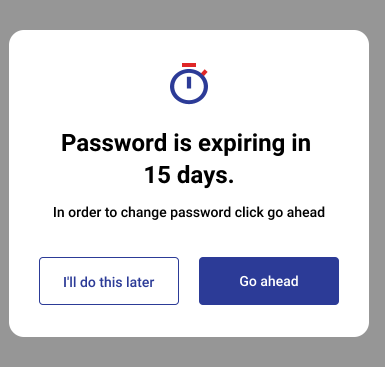
Below pop up applicable for web and app that will show when the user’s PIN is near expiry (15days, 7days and all days <7days) and will appear after successful authentication.
“Go Ahead” will facilitate the user to change the PIN and will redirect to forgot PIN page. “I’ll do this later” would snooze the pop up. However this will keep showing until the last expiry date.
Once the user has successfully changed the PIN, this pop will not be shown until the next expiry cycle (90days as agreed earlier)